
BAY888 Security and Support Guide for Philippine Users
At BAY888, account safety starts with simple habits: use a private password, protect your OTP, check the current website address, and contact support only through the official account channel. These steps matter most when you are logging in on mobile, making a payment request, changing an account detail, or asking about a pending transaction.
This guide is for readers accessing BAY888 information through winphbet.ph. Always confirm the current page before entering your username, password, verification code, or payment details.
Quick answer: keep your login private, use the live Member Center to check Cashier instructions, save request IDs, and never send money or an OTP to a stranger who claims to be Support.
Start with the BAY888 security basics
Your BAY888 account contains information that should stay private. This includes your username, password, registered mobile number, transaction records, and any verification code sent to you.
The most important rules are:
- Use a unique password for BAY888
- Do not share your password with another person
- Never give away an OTP or verification code
- Check the website address before logging in
- Do not use a borrowed or public device for payment activity
- Log out after using a shared device
- Keep transaction receipts private
- Use only the official Support Desk inside your account
A Support representative may need your username, request ID, amount, and transaction time to investigate an issue. They do not need your password or OTP.
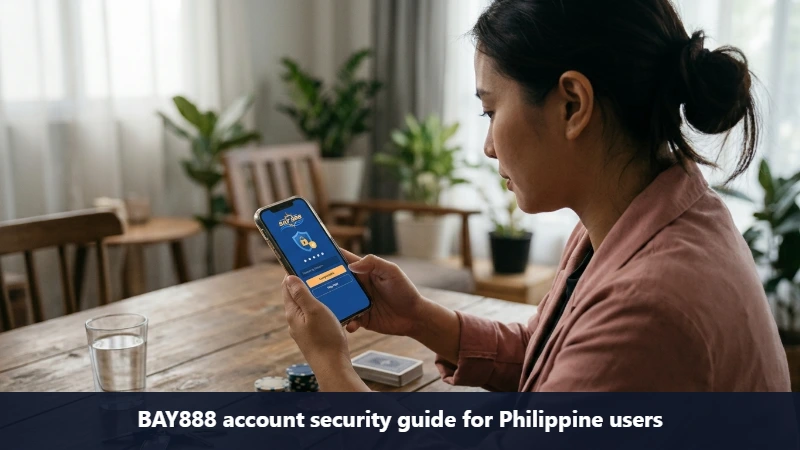
How to create a stronger BAY888 password
A good password should be difficult for another person to guess and should not be reused from your social-media, email, or banking account.
Use a password that includes a combination of:
- Uppercase letters
- Lowercase letters
- Numbers
- Symbols where accepted
- A phrase that is personal but not easy to guess
Avoid using:
- Your full name
- Date of birth
- Mobile number
- Username
- Child’s name
- Repeated numbers
- The same password used for your email
If you think someone may know your password, change it from the BAY888 Member Center immediately. Then log out from shared devices and check your account activity.
Protect your OTP and verification code
An OTP is a one-time password or verification code. It is sent to confirm that you are the person accessing or changing an account. Because of this, it should never be shared.
Scammers may send messages such as:
- “Send your OTP so we can release your withdrawal.”
- “Give the code to unlock your bonus.”
- “Support needs your OTP to verify your account.”
- “Your account will be blocked if you do not send the code now.”
These messages are designed to create urgency. Do not respond with the code.
If you receive an unexpected OTP, do not share it and do not click unknown links. Open the BAY888 Member Center yourself and check whether there is an account action you initiated.
Check the current BAY888 page before logging in
A copied link, old screenshot, or forwarded social-media message may not show the current page. Before entering your details, check that the browser address is correct and that you reached the login page through the intended route.
A safe login routine is:
- Open the current BAY888 page.
- Check the browser address before typing.
- Enter your username and password only on the login form.
- Complete verification only inside the active account process.
- Open Member Center after logging in.
- Log out after the session if you are using a shared device.
Do not rely on a message claiming that a “new login link” is urgent. Verify it from your own current source first.
Recognise common payment and support scams
A scam often uses urgency, a reward claim, or a threat. The person may say there is a pending withdrawal, an account freeze, a bonus waiting, or a payment problem that can be fixed quickly.
Watch for these warning signs:
| Warning sign | What you should do |
| Asked to send an OTP | Do not send it |
| Asked to pay an unlock fee | Stop and check your account directly |
| Asked to transfer to a private payment account | Use only current Cashier instructions |
| Asked to share a password | Never share it |
| A message says “act now” or “account will close” | Do not rush; verify in Member Center |
| A support account contacts you outside the platform | Confirm through the official Support Desk |
| Payment details come from an old screenshot | Do not use them |
Kung may doubt ka, stop first. Open your logged-in BAY888 account and check Cashier, Transaction History, or Support Desk from there.
Use Cashier safely
Cashier is the place to check live deposit and withdrawal instructions. It should always be opened from inside your account.
For a deposit, review:
- Current payment method shown
- Amount field
- Payment instruction
- Required transaction reference
- Current promotion status, if relevant
- Receipt or proof of payment
For a withdrawal, review:
- Available balance
- Active promotion conditions
- Receiving account or wallet details
- Request amount
- Current withdrawal instructions
- Request ID after submission
Never use an old payment screenshot. A payment detail that was correct before may no longer be current.
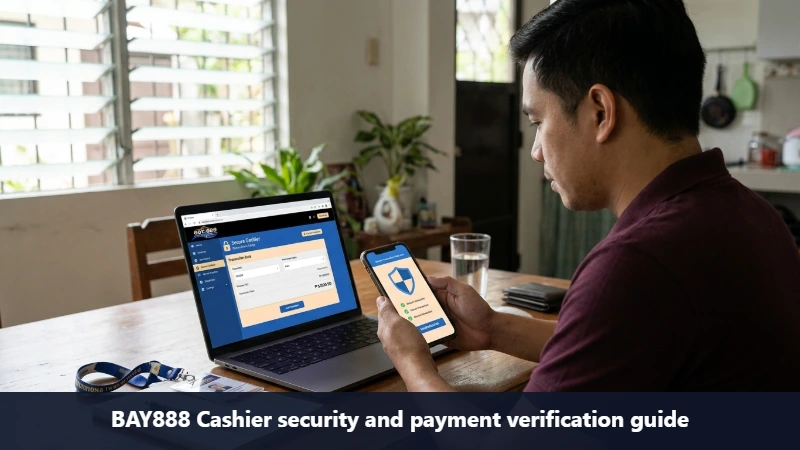
Check Transaction History before sending a report
Transaction History is your first reference when a payment or withdrawal seems delayed. It can show the current request status and help you avoid duplicate submissions.
| Status | Best action |
| Pending | Wait, save the request ID, and do not create another request |
| Successful | Check the receiving account or relevant transaction result |
| Rejected | Read the stated reason and correct the relevant detail |
| Cancelled | Confirm why it was stopped before submitting another request |
| Under review | Keep your receipt and request details ready for Support |
For a payment issue, save:
- BAY888 username
- Request ID
- Exact amount
- Date and time
- Payment method
- Payment reference or receipt
- Current transaction status
- Screenshot with personal information protected
This makes it easier for Support to find the correct account record.
How to use BAY888 Support Desk correctly
The Support Desk is the official place to ask about account access, payment status, promotions, technical issues, or security concerns.
When creating a ticket, give clear information instead of only writing “help” or “pending.”
Use this format:
| Ticket field | What to provide |
| Subject | Login issue, pending deposit, withdrawal status, promo question, or security concern |
| Username | Your BAY888 username |
| Request ID | ID from Transaction History, if relevant |
| Amount | Exact transaction amount |
| Time | Date and time shown in the account record |
| Current status | Pending, rejected, successful, or under review |
| Description | A short factual explanation |
| Attachment | Receipt or screenshot without password or OTP information |
Example:
Withdrawal status check
Username: [username]
Request ID: [request ID]
Amount: [amount]
Submitted: [date and time]
Status shown: Pending
Please confirm whether any action is needed from my side.
Keep all messages factual and complete. Do not send passwords, OTPs, or full private payment information in a support ticket.
What to do if you think your account is at risk
Act quickly, but do not panic.
- Stop using the account on a shared or public device.
- Change your password through the current Member Center.
- Check Profile and security settings.
- Review Transaction History for activity you do not recognise.
- Do not approve an unexpected OTP.
- Contact Support through the official Support Desk.
- Explain what happened, including the time and any suspicious message or login attempt.
Do not attempt to solve an account-security issue by paying a person outside the official BAY888 account flow.
Responsible account use on mobile
Security is not only about passwords. It is also about how you use the account when you are tired, stressed, rushed, or distracted.
Protect yourself by:
- Setting a fixed entertainment budget
- Taking breaks during long sessions
- Not chasing a loss
- Avoiding payment actions when your connection is unstable
- Checking the account record before repeating an action
- Logging out after every shared-device session
- Keeping your phone lock enabled
BAY888 is for adult entertainment. It should not be used as a solution for debt, bills, or financial pressure.
FAQs about BAY888 security and Support
1. Will BAY888 Support ask for my password or OTP?
No. Keep your password and OTP private. Support can investigate a case using your username, request ID, transaction amount, time, and relevant receipt.
2. What should I do if someone asks for an unlock fee?
Do not pay. Stop communicating through the unofficial message, then check your live BAY888 account and contact Support through the official Support Desk.
3. How can I confirm a payment instruction is current?
Log in and open Cashier. Use only the payment details displayed during your active account session.
4. What should I include in a pending-transaction report?
Include your username, request ID, amount, date and time, payment method, displayed status, and a safe receipt or screenshot.
5. What if I receive an OTP I did not request?
Do not share it. Check your account from the current BAY888 page, change your password if necessary, and contact official Support if you suspect a security issue.
6. Is BAY888 for users under 18?
No. BAY888 is intended for adults only. Users should follow applicable local rules and use the platform responsibly.
Final reminder
The safest BAY888 habit is to verify before acting: verify the page, verify Cashier instructions, verify transaction status, and verify who you are speaking with before sharing any account information.
If you return through winphbet.ph, repeat the same security check before logging in. Keep your password and OTP private, use the live BAY888 Member Center, and contact Support only through the official account channel.